
Event Ticket Payments: Confirmation, Capacity and Duplicate Orders
By PayEurasia Editorial Team · 14 October 2026 · 2 min read
Last updated 14 October 2026
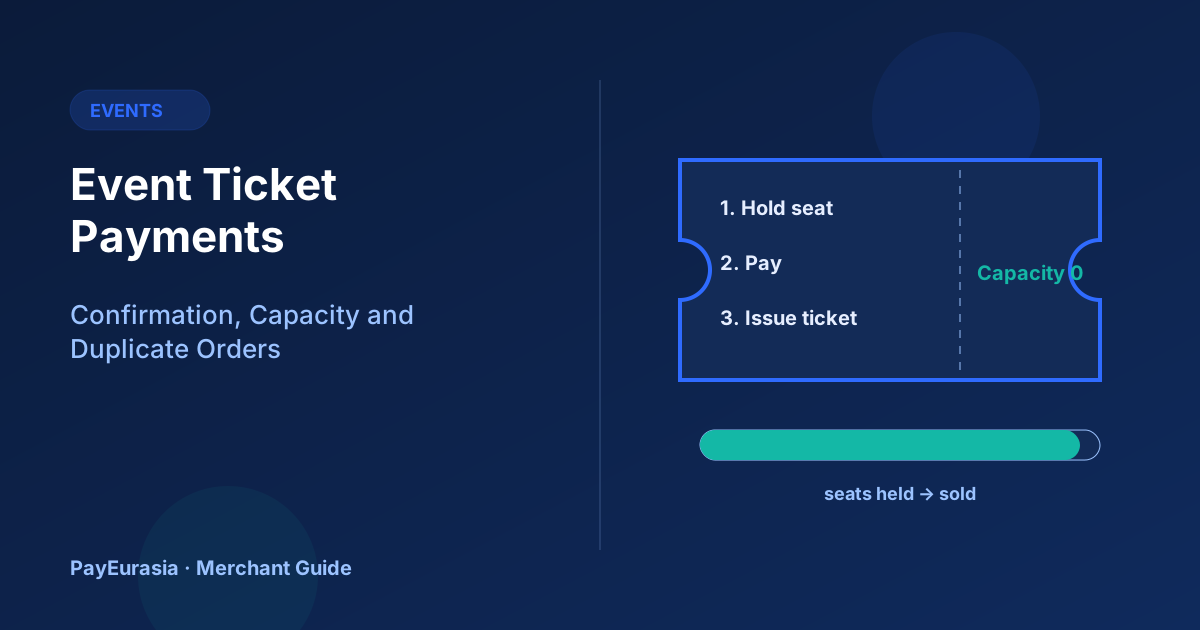
How event organisers can sell tickets online without overselling, issue tickets only after confirmed payment, and resolve duplicate or abandoned orders.
The short answer
Sell event tickets in three stages: hold the seat for a short time when the customer starts checkout, issue the ticket only after payment is confirmed by the provider, and release the hold if payment does not arrive. Use one order number per purchase and detect duplicates so a customer who taps "Pay" twice does not end up with two charges or two tickets.
Why capacity is tricky
When a popular event opens, many people start checkout at once. If you only count paid tickets, you may oversell while payments are in progress. If you count every started checkout, abandoned carts block seats. A short hold solves both.
Setting up holds
- Hold seats when the customer starts paying, for a defined time such as 10 to 15 minutes.
- Show the timer on the page.
- If payment is confirmed, convert the hold into a ticket.
- If the hold expires, release the seat and mark the order expired.
- If confirmation arrives after the hold expired, issue the ticket if seats remain, or refund promptly.
Confirmation rules
Issue tickets from the provider's confirmation, not from the customer returning to your site. Customers often close the browser after paying in a wallet app. Your system should still issue the ticket when the server notification arrives.
Duplicate orders
Duplicates appear when buyers retry after an unclear screen. Protect against them by:
- Reusing the same order if the same customer retries for the same event within a short time.
- Using idempotency keys when creating payments. See idempotency in payment APIs.
- Running a daily check for customers with two paid orders for the same event and contacting them.
Ticket delivery
Send tickets by email or message with the order number, event details and a unique ticket code. Avoid sending ticket codes in public channels.
Refunds and cancellations
Publish the refund rule before sale: whether tickets are refundable, transferable or exchangeable, and what happens if the event is postponed. If the event is cancelled, refund to the original method and tell customers how long it usually takes.
Scenario
A concert organiser with 800 seats introduces 12-minute holds. At opening, 1,100 people start checkout. The page shows "sold out" when holds and sold tickets reach 800, then reopens seats as holds expire. No seat is sold twice.
Frequently asked questions
Should I let people pay at the door?
You can, but keep door sales in the same capacity count.
What if a ticket is issued but the payment fails later?
That should not happen if tickets are issued only after confirmation. If it does, investigate before cancelling the ticket.
For collection options for event payments, contact PayEurasia.
Talk to PayEurasia
Working in a high-risk vertical across South Asia? We can probably help.
Request integration →