
Payment Error Messages: Plain-English Templates for Merchants
By PayEurasia Editorial Team · 14 October 2026 · 2 min read
Last updated 14 October 2026
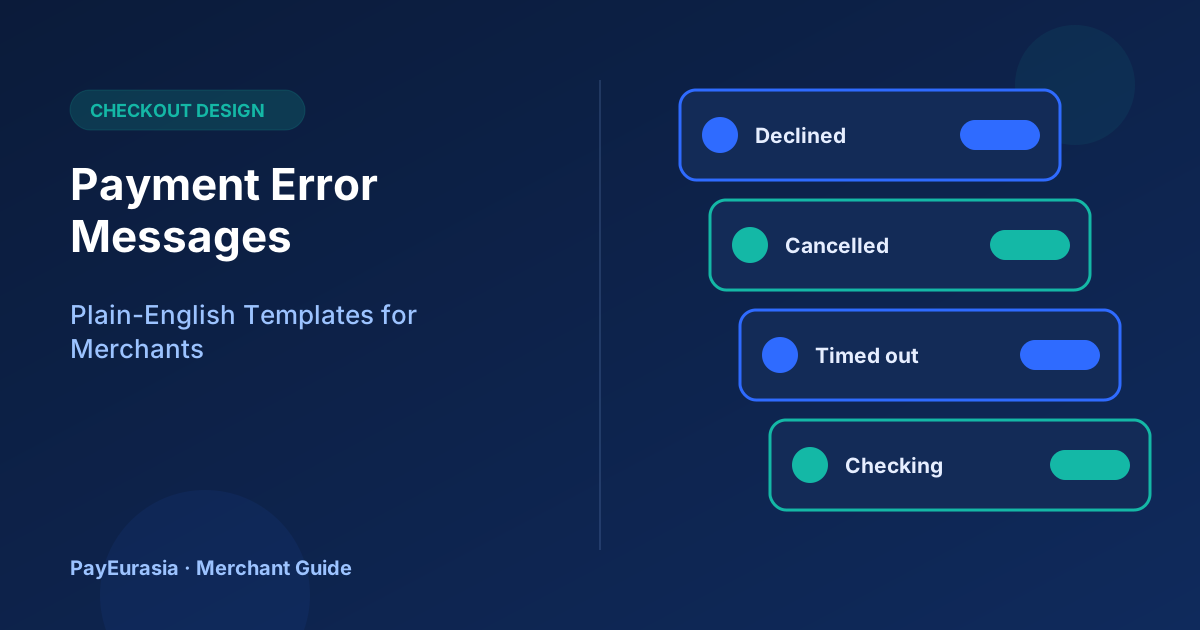
Ready-to-adapt plain-English payment error messages for declined, cancelled, timed-out and unknown payments, with guidance on what each should tell customers.
The short answer
A good payment error message says what happened in plain words, whether money was taken, and what the customer should do next. Avoid technical codes, blame and vague text like "Something went wrong". Most importantly, never tell a customer a payment failed when you are not yet sure.
Principles
- Be specific about the state: declined, cancelled, timed out or still checking.
- Say whether the customer was charged, if you know.
- Offer one clear next step.
- Keep the order safe so the customer does not need to start over.
- Never ask for PINs, OTPs or card codes in error messages or follow-ups.
Templates you can adapt
Payment declined
"Your payment was not approved by your payment provider. You have not been charged. You can try again or choose another payment method. Your order is saved."
Payment cancelled by the customer
"You cancelled the payment. Your order is saved for 30 minutes if you would like to try again."
Timed out or unknown
"We are still confirming your payment. Please do not pay again yet. We will update your order within a few minutes and send a message when it is confirmed."
This is the most important one. See checkout timeouts for the reasoning.
Amount limit reached
"This payment is above the limit for this method. Please choose another method or contact us to split the order."
Provider temporarily unavailable
"This payment method is temporarily unavailable. Please try another method or try again later. Your order is saved."
Duplicate attempt detected
"It looks like you already started a payment for this order. We are checking its status so you are not charged twice."
What to log internally
For every error, record the order number, method, time, provider response category and what the customer saw. This makes support conversations short and accurate.
Support follow-up
When customers contact you after an error, ask for the order number and time, check provider status first, then reply. Avoid "please pay again" until you have confirmed the first attempt failed.
Test your messages
Trigger each error in your provider's sandbox and read the message on a phone. Ask someone outside your team whether they would know what to do.
Where to show messages
Show the message on the page the customer is looking at, near the Pay button, and repeat important ones by SMS or email if the customer may leave the page, such as "We are still confirming your payment". Avoid pop-ups that disappear after a few seconds. Keep the order number visible in every message so support can find the order quickly.
Frequently asked questions
Should I show the provider's error code?
Show it only in small text for support reference, if at all; the main message should be plain language.
Can I translate these messages?
Yes. Keep the meaning identical across languages.
To discuss checkout options, contact PayEurasia.
Talk to PayEurasia
Working in a high-risk vertical across South Asia? We can probably help.
Request integration →