
Returning from a Wallet App: Keeping Order Context Intact
By PayEurasia Editorial Team · 14 October 2026 · 2 min read
Last updated 14 October 2026
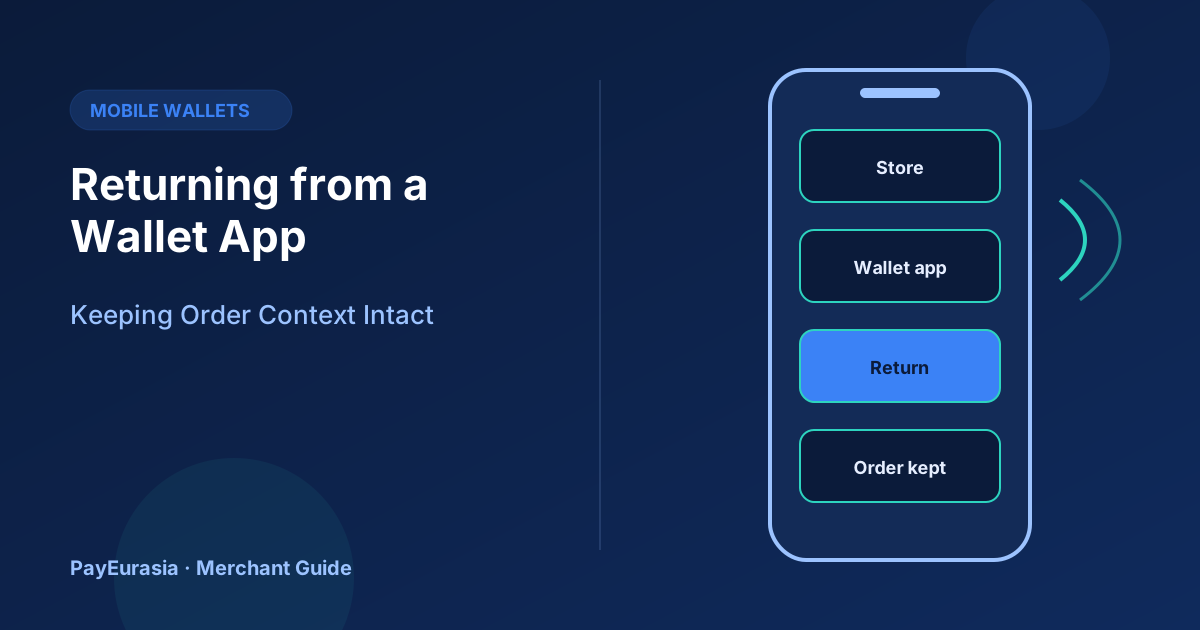
How to keep a customer's order intact when they leave your site to approve a payment in a wallet app and return, close the browser or come back later.
The short answer
When a customer leaves your checkout to approve a payment in a wallet app, assume the browser may lose its session. Save the order before redirecting, give the return page enough information to find the order by itself, and confirm payment from the provider's server notification rather than from the return. Then the customer sees the right status whether they return immediately, later, or not at all.
What can go wrong
- The phone closes the browser tab to save memory.
- The wallet app opens a different browser on return.
- The customer approves the payment, then switches to another app.
- The return happens before the provider has sent confirmation.
If your site relies on a session cookie or a cart in browser memory, any of these can make the order look lost.
Design the handoff
- Create and save the order with a status like "awaiting payment" before redirecting.
- Pass an order reference to the provider and request it back on return.
- On return, look up the order by reference, not by session.
- If confirmation has not arrived yet, show "We are confirming your payment" and refresh status for a short time.
- Send a message or email when the order is confirmed.
Server notifications are the source of truth
The provider's webhook or callback to your server confirms payment even if the customer never returns. Our guide on missing webhook recovery explains what to do when notifications are delayed.
Protecting the return page
The return page should not reveal order details to anyone who guesses a URL. Use an unguessable reference, or ask for the phone number to show full details.
Customer messaging
Before redirecting: "You will be taken to your wallet app to approve the payment. Come back here afterwards; your order is saved." After return: show the order number prominently.
Testing the handoff
On a real phone, test approving the payment and then closing the browser, switching apps for a minute, and returning through the back button. Each path should end with the correct status.
Scenario
A pharmacy's online store loses some paid orders because carts live only in browser storage. After saving orders before redirect and confirming through server notifications, "I paid but there is no order" complaints largely disappear.
Status checks while waiting
If the customer returns before confirmation, the return page can ask your server for the latest order status every few seconds for a short period, for example one or two minutes, then stop and show the message that you will notify them. Avoid asking the provider directly from the customer's browser. Your server should be the only place that talks to the provider and decides whether the order is paid.
Frequently asked questions
Should I ask the customer to stay on the page?
You can suggest it, but design for customers who do not.
What if the customer pays twice?
Detect it and refund; see handling failed payments without double charging.
To discuss wallet collection options, contact PayEurasia.
Talk to PayEurasia
Working in a high-risk vertical across South Asia? We can probably help.
Request integration →