
Payment Gateway Demos: A Script for Meaningful Evaluation
By PayEurasia Editorial Team · 14 October 2026 · 2 min read
Last updated 14 October 2026
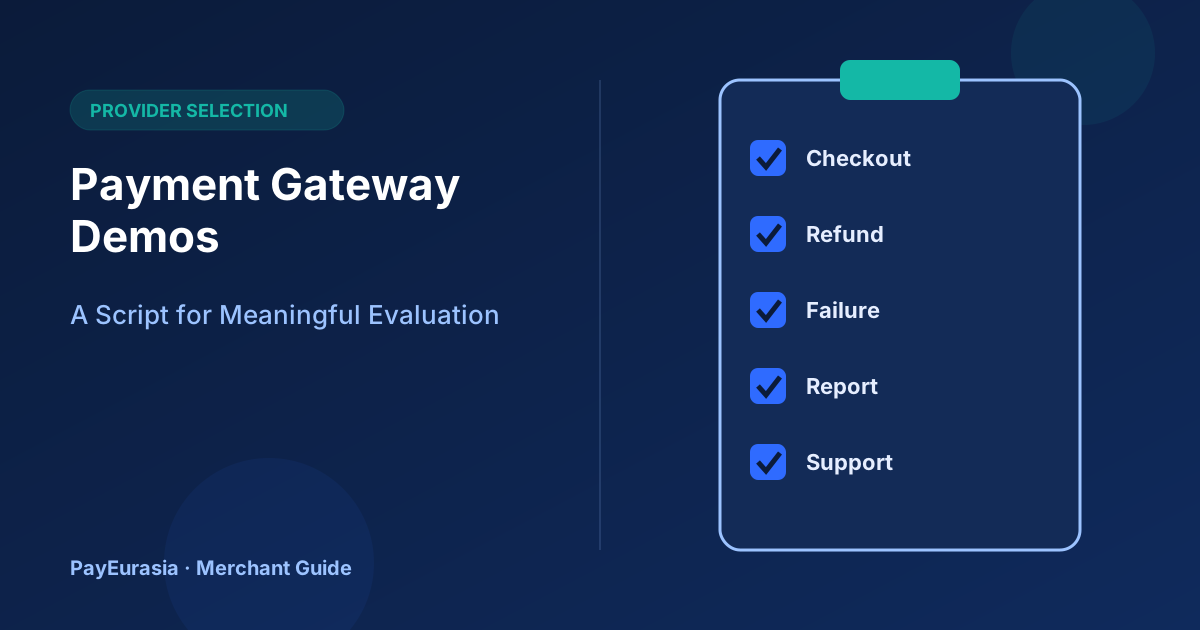
A practical script for payment gateway demos that focuses on real workflows such as refunds, failed payments, reports and support, rather than polished sales slides.
The short answer
Ask providers to demonstrate your real workflows live: a customer payment on a phone, a failed payment, a refund, finding a transaction from a customer complaint, exporting a settlement report and contacting support. Send the script in advance, use the same script for every provider and score what you actually see.
Before the demo
- Send the script and your key questions a few days ahead.
- Invite the people who will use the system: operations, finance, support and a developer.
- Ask for a sandbox account so you can try steps yourself afterwards.
The demo script
1. Customer checkout on a phone
Show the payment page for our main methods on a mobile screen. What does the customer see at each step? What happens if they cancel?
2. Failed and pending payments
Show a declined payment and a payment that stays pending. How does the merchant see the status? What does the system send to our server?
3. Refund
Issue a partial refund and a full refund. Who can do it? Is there an approval step? How does it appear in reports?
4. Finding a transaction
A customer says, "I paid 1,250 taka yesterday evening." Show how support finds that payment by amount, time, phone or reference.
5. Reports
Export yesterday's transactions and the last settlement. Which fields are included? Can we match settlements to orders?
6. User roles
Create a user who can view but not refund. Show the audit log.
7. Developer view
Show documentation, webhook settings, test credentials and how notifications are signed.
8. Support
How do we raise an urgent issue? Show a sample support ticket and expected response time.
Scoring
Score each step from 1 to 3, with notes and screenshots where allowed. Keep separate notes on what was shown live and what was only described.
Red flags
- Refusing to show refunds or failed payments.
- Answers like "that's on the roadmap" for essential features, without dates.
- No sandbox or documentation.
After the demo
Within a day, each participant should fill in the scorecard independently before discussing, so one strong opinion does not decide for everyone. Then compare scores, list open questions and send them to the provider in writing. Use the sandbox to repeat any step that looked good in the demo but was not shown live, especially refunds, reports and webhook notifications.
Ask for the boring parts
Monthly statements, invoice formats, user management and the process for changing bank details are not exciting, but they shape daily work. Ask to see them.
Frequently asked questions
How long should a demo take?
About an hour is usually enough for this script.
Should I record the demo?
Ask permission first; notes and screenshots may be enough.
To request a walkthrough from PayEurasia, contact our team.
Talk to PayEurasia
Working in a high-risk vertical across South Asia? We can probably help.
Request integration →