
Payment Links for Small Businesses: What to Check Before Sharing
By PayEurasia Editorial Team · 14 October 2026 · 2 min read
Last updated 14 October 2026
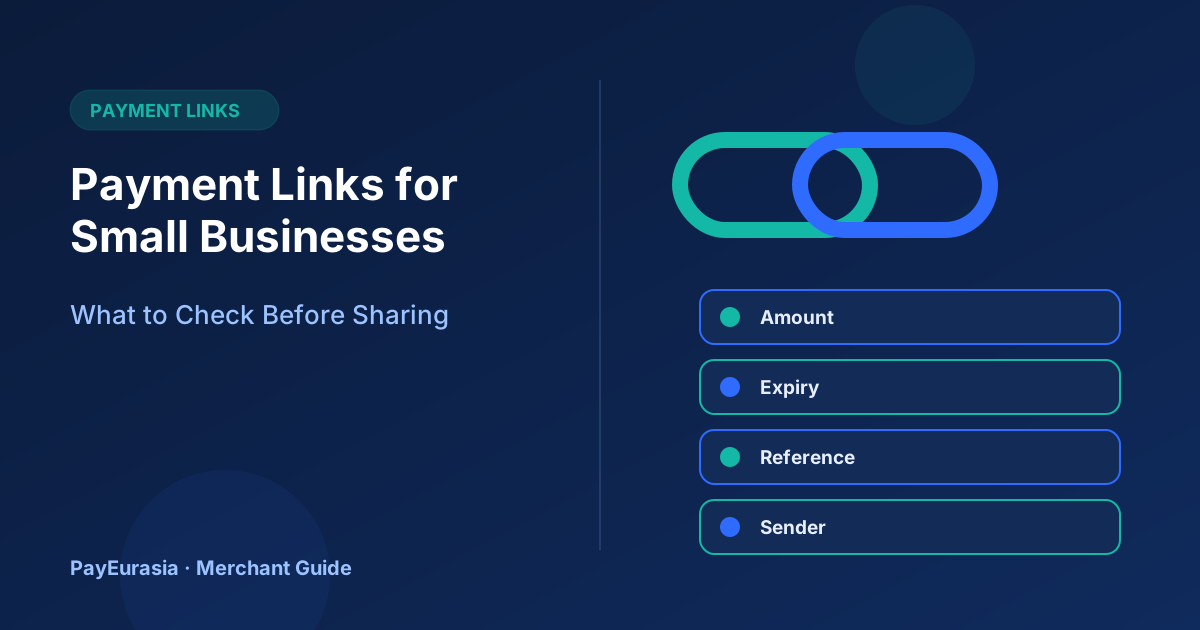
A pre-send checklist for small businesses using payment links, covering amount, expiry, order reference, branding and how to confirm payment safely.
The short answer
Before sending a payment link, check five things: the amount and currency are correct, the link is tied to one order or invoice, it has a sensible expiry, it comes from your provider's official domain, and you know how you will see the result. A payment link is convenient, but it is still a request for money and deserves the same care as an invoice.
What a payment link is
A payment link is a URL created in your payment provider's dashboard or through its API. When the customer opens it, they see a hosted page where they choose a method and pay. The provider then reports the result to you. Because the page is hosted by the provider, you usually avoid handling card or wallet details yourself.
The pre-send checklist
- Amount and currency: double-check against the quote. Decide whether delivery or fees are included.
- Description: write what is being paid for in plain words, for example "Order SH-1043: 2 cotton shirts".
- Reference: include your order or invoice number in the link's metadata or description.
- Expiry: links that never expire can be paid long after prices change. Choose a period that matches the offer.
- Single or multiple use: most order links should be single-use so they cannot be paid twice by mistake.
- Official domain: confirm the link opens on your provider's domain, not a shortened address customers cannot recognise.
- Result visibility: know where in the dashboard the payment will appear and who checks it.
How to send it
Send the link in the same channel where the order was agreed, with the order number and total in the message. Tell customers you will never ask for PINs or one-time codes. If you use a URL shortener, explain why, or avoid it, because shortened links are commonly abused in scams.
After payment
Do not rely on the customer's "done" message. Check the provider record, then mark the order paid and send a receipt. If the link expires unpaid, cancel it in the dashboard so it cannot be used later.
Scenario: a quote that changed
A furniture maker sends a link for 18,000 taka, then the customer adds a chair. Instead of sending a second link and hoping both get paid, the maker cancels the first link and creates a new one for the revised total. Only one valid request exists, and records stay clean.
Frequently asked questions
Are payment links safe for customers?
They are generally safer than sharing personal account numbers, provided the link is from a known provider and the customer checks the page address.
Can I reuse one link for all customers?
Some providers offer reusable links for fixed products or donations. For custom orders, a link per order makes matching much easier.
To explore payment collection options, contact PayEurasia.
Talk to PayEurasia
Working in a high-risk vertical across South Asia? We can probably help.
Request integration →