
WhatsApp Orders: Turning Conversations into Traceable Paid Orders
By PayEurasia Editorial Team · 14 October 2026 · 2 min read
Last updated 14 October 2026
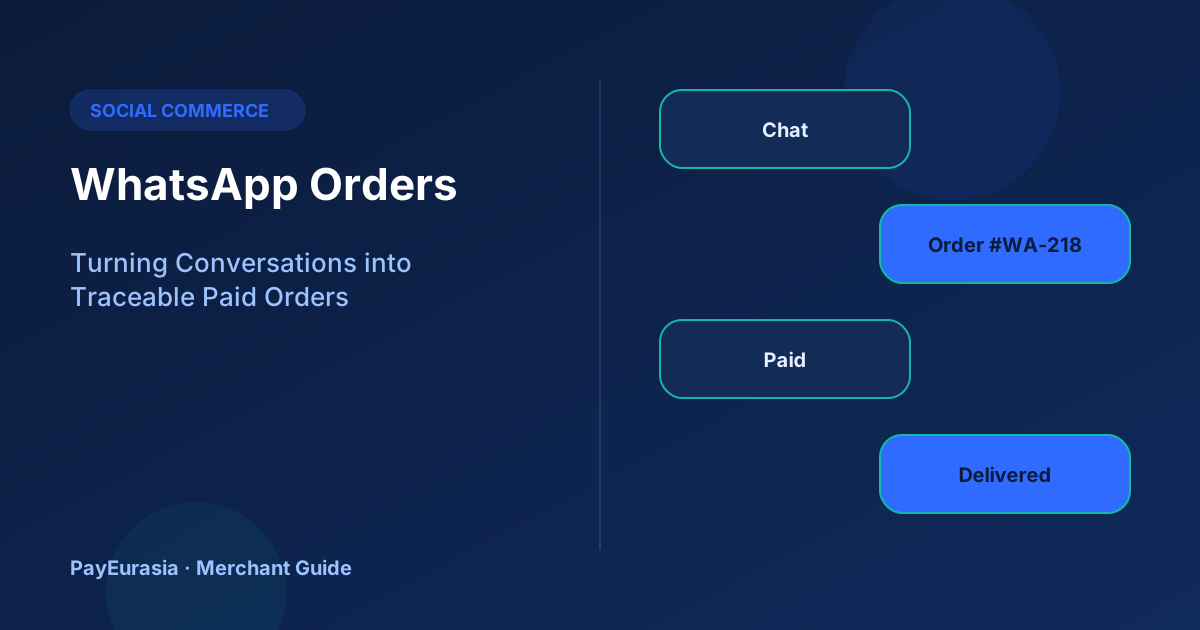
How small businesses taking orders on WhatsApp can create order numbers, collect traceable payments and keep a clear record from chat to delivery.
The short answer
Treat every WhatsApp conversation that ends in a purchase as an order with its own number. Send a short order summary, ask the customer to confirm it, collect payment in a way that carries that number, and send a confirmation only after the payment is visible in your provider records. The chat is the conversation; the order record is the truth.
The problem with chat-only selling
Chat threads are long and searchable only by contact. Prices change mid-conversation, customers add items, and payment details get lost under voice notes. When a dispute happens weeks later, it is hard to prove what was agreed.
A repeatable order summary
Send the same structured message every time:
- Order number: WA-218
- Items and quantities
- Total price including delivery
- Delivery area and expected date
- Payment options and the reference to use
Ask the customer to reply "Confirm". This turns a vague chat into a clear agreement.
Collecting payment
Use a method that lets you match payment to the order: a payment link generated for WA-218, or a merchant collection product where the customer enters the order number as a reference. Avoid asking customers to send money and "just message when done".
Verifying before confirming
Check the provider dashboard for amount, time and reference. If you use a team, only one person should mark orders paid, and they should note the provider transaction ID next to the order. Do not confirm based on a forwarded screenshot alone.
Using WhatsApp Business features sensibly
Labels such as "New order", "Awaiting payment", "Paid" and "Delivered" help a small team see the state of each chat. Quick replies keep wording consistent. These are organisational helpers; the payment status should still come from your payment records.
Worked scenario
A bakery takes 30 cake orders a week on WhatsApp. Before the workflow, staff often baked cakes for unpaid orders. After introducing order numbers, a fixed summary message and a daily check against the payment report, the bakery only starts baking once WA numbers are marked paid in the sheet. Disputes become easy to answer.
Privacy and safety
Keep customer phone numbers and addresses only as long as you need them for delivery and records. Never ask for PINs, OTPs or card security codes in chat.
Frequently asked questions
Should I send payment links in chat?
Yes, if they come from your provider and are tied to the order. Read our guide on payment link security.
What should the confirmation message include?
Order number, amount received, items and delivery date. See payment receipts.
To discuss collection tools for a growing business, contact PayEurasia.
Talk to PayEurasia
Working in a high-risk vertical across South Asia? We can probably help.
Request integration →