
Static vs Dynamic QR Codes: Order Matching Tradeoffs
By PayEurasia Editorial Team · 14 October 2026 · 2 min read
Last updated 14 October 2026
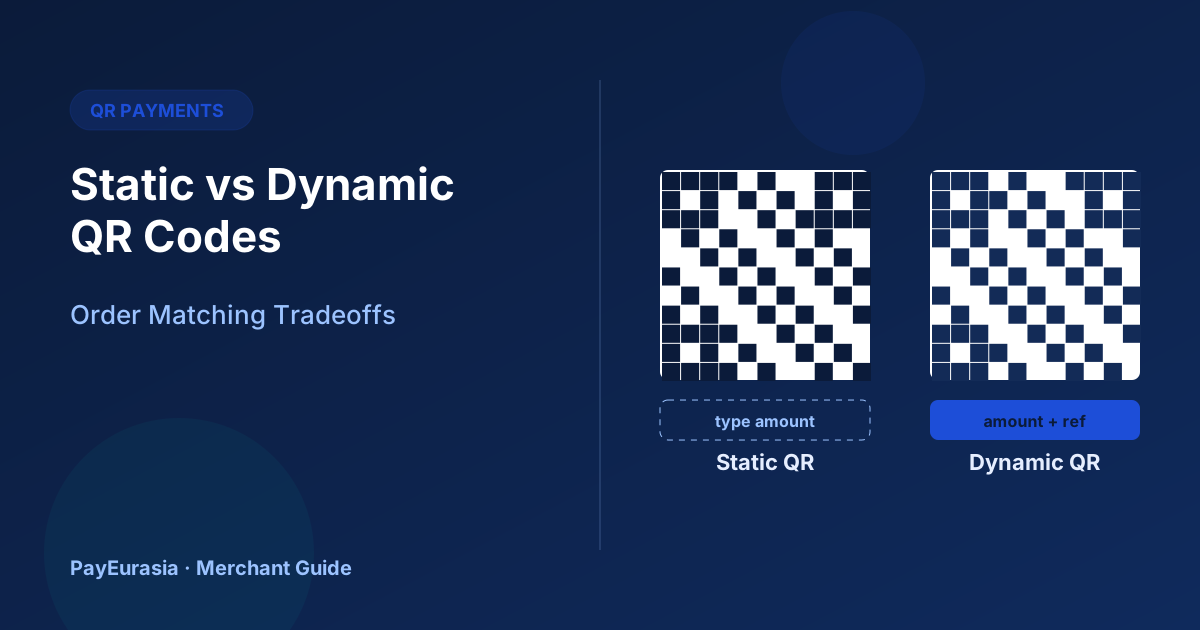
A comparison of static and dynamic QR codes for merchants, focused on how each affects amount entry, order matching, reconciliation and fraud risk.
The short answer
A static QR code is the same for every payment; the customer types the amount, which makes matching to a specific order harder. A dynamic QR code is generated per transaction with the amount and an order reference embedded, which makes matching and confirmation much easier but needs a system or device to generate codes. Choose based on your volume, average ticket and how you confirm payments.
Static QR codes
How it works: one printed code linked to your merchant account. The customer scans, enters the amount and pays.
Advantages: cheap, no device needed, works anywhere.
Drawbacks:
- Customers can enter the wrong amount.
- Payments are not linked to a specific order.
- Matching depends on amount and time.
- Easier for fraudsters to replace with their own sticker.
Dynamic QR codes
How it works: your point-of-sale, app or payment terminal generates a new code for each sale with the exact amount and a reference.
Advantages:
- No amount entry errors.
- Each payment matches an order automatically.
- The system can confirm payment status directly.
Drawbacks: needs a device and integration with a provider that supports it; may involve setup costs.
Matching comparison
- Amount entered by: static: Customer; dynamic: System
- Order reference: static: Usually none; dynamic: Embedded
- Confirmation: static: Staff checks app; dynamic: System status
- Fraud sticker risk: static: Higher; dynamic: Lower
When static is fine
Low-volume shops with a single cashier, where each payment is confirmed in the merchant app before goods are handed over and the day is closed carefully.
When to move to dynamic
When you have several cashiers, many similar amounts, online and in-store orders together, or frequent "wrong amount" problems.
Transition tips
Keep the static code as a backup during the change. Train staff on both and update your daily close to use references where available.
Scenario
A café with two counters uses one static QR. During morning rush, three customers pay 180 taka within a minute, and staff cannot tell who paid. Switching to dynamic QR from the till removes the confusion.
Reconciliation with each type
With static QR, daily reconciliation compares totals and then individual payments by amount and time, which takes longer when many payments are the same amount. With dynamic QR, each payment carries its order reference, so reconciliation is mostly automatic, and staff only investigate unmatched items. If reconciliation is taking a lot of time every day, that alone may justify moving to dynamic codes.
Customer experience
Static codes require the customer to type an amount, which takes longer and causes mistakes in busy queues. Dynamic codes show the amount to approve, which is usually faster and reassures customers that they are paying the right total. Whichever you use, keep the cashier's confirmation step.
Frequently asked questions
Can I use dynamic QR without a POS system?
Some providers offer apps that generate dynamic codes on a phone; check with your provider.
Do dynamic QR codes cost more?
That depends on your provider's terms.
To discuss in-store collection options, contact PayEurasia.
Talk to PayEurasia
Working in a high-risk vertical across South Asia? We can probably help.
Request integration →