
Trust Signals at Checkout: What Actually Helps a Customer Decide
By PayEurasia Editorial Team · 14 October 2026 · 2 min read
Last updated 14 October 2026
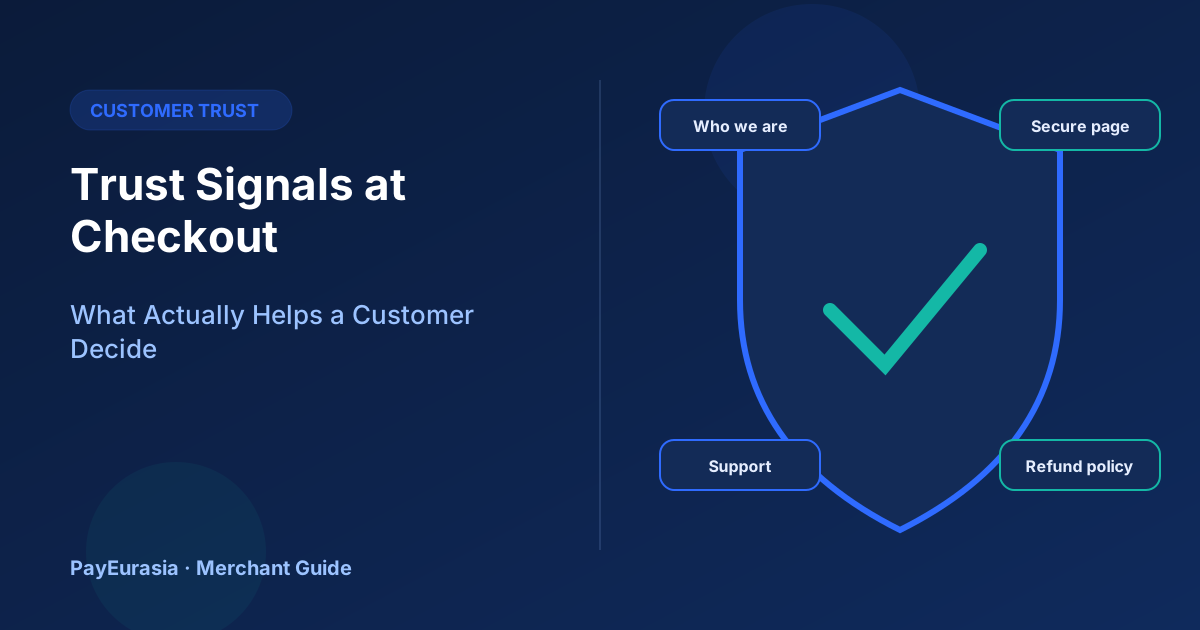
Which checkout trust signals genuinely help customers, from clear business identity and refund policy to recognisable payment pages, and which badges add little.
The short answer
Customers trust a checkout when they can answer three questions quickly: who am I paying, what happens if something goes wrong, and is this payment page real. Clear business identity, visible contact details, a plain refund policy and a recognisable payment page help far more than generic "100% secure" badges.
Signals that help
- Business identity: your business name, as it appears on statements and receipts, plus an address or registration details where appropriate.
- Reachable support: a phone number, email or chat with expected response times.
- Refund and delivery policy: short, plain and linked from checkout.
- Recognisable payment page: the provider's domain and branding, so customers know where they are entering details.
- Consistent totals: the same amount on cart, checkout and payment page.
Signals that help less than you think
Generic security badges and "verified" icons without a source are easy to copy and many shoppers ignore them. Do not display badges or certifications you have not actually earned; that can mislead customers and create legal problems.
Reviews and social proof
Real reviews help, especially recent ones about delivery and refunds. Never invent reviews or testimonials. If you show ratings, explain where they come from.
The statement descriptor
Customers often check their wallet or bank history later. If the name there does not match your store name, they may think they were defrauded. Ask your provider how the merchant name appears and make it recognisable.
Security that customers notice
Using a hosted payment page means payment details are entered on the provider's page. The PCI Security Standards Council publishes guidance on how card data should be protected; for most small merchants, hosted pages reduce their own handling of card data. Tell customers simply: "You will pay on our provider's secure page."
Placement
Put trust information near the Pay button, not only in the footer. A short line such as "Questions? Call 01XXX or read our refund policy" works well.
Scenario
A new fashion store sees many customers start checkout but not pay. It adds its business name and support phone above the Pay button and a one-line refund summary. Completion improves, and support calls mostly ask about sizes rather than whether the store is real.
After-purchase trust
Trust continues after payment. A prompt confirmation message with the order number, a realistic delivery date and a working support contact reassures customers that they paid a real business. Customers who receive nothing for hours often contact support or their payment provider, even when the order is fine. Send the confirmation as soon as the payment is confirmed.
Frequently asked questions
Do I need SSL on my site?
Yes. HTTPS is a basic expectation for any page collecting customer information.
Should I show my provider's logo?
Only if the provider permits it; follow its brand guidelines.
To discuss collection options, contact PayEurasia.
Talk to PayEurasia
Working in a high-risk vertical across South Asia? We can probably help.
Request integration →