
Transparent Payment Fees: Showing Total Cost Before Confirmation
By PayEurasia Editorial Team · 14 October 2026 · 2 min read
Last updated 14 October 2026
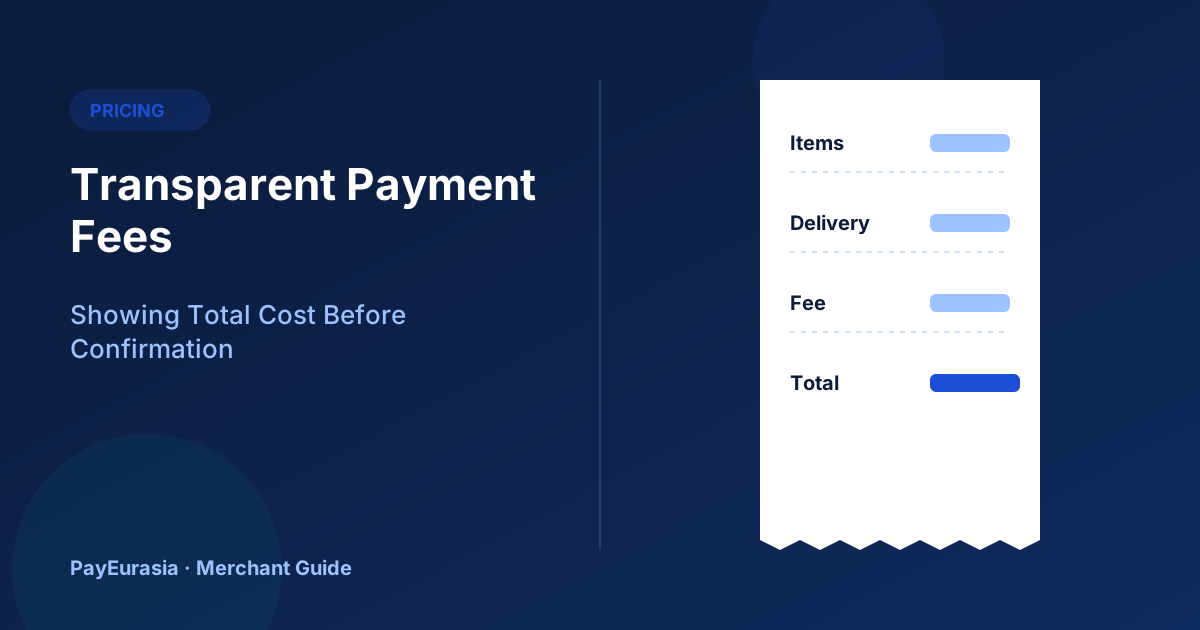
How merchants can display delivery charges, payment surcharges and taxes clearly so customers see the full total before they confirm payment.
The short answer
Show customers every charge before they tap "Pay": items, delivery, any payment method fee, taxes and discounts, with one clear total. Surprise fees at the last step are one of the quickest ways to lose trust, and they create disputes after purchase. If a fee depends on the method, show it next to the method and update the total instantly.
Where hidden costs come from
- Delivery charges revealed only after the address is entered.
- Payment surcharges added on the provider's page.
- Taxes or service charges added after the cart.
- Currency conversion costs for international customers.
A transparent price breakdown
Display, in this order:
- Items subtotal
- Discounts
- Delivery charge
- Payment fee (if any, with the method named)
- Taxes, if shown separately
- Total to pay
Use the same total on the Pay button and on the provider page.
Should you pass payment fees to customers?
That is a business decision, and it may be limited by your provider agreement and local rules. Many merchants build costs into prices instead, which keeps checkout simpler. If you do add a fee, explain it briefly and keep it consistent.
Delivery charges
Show an estimate on product pages, such as "Delivery inside the city from 60 taka". Calculate the exact charge as soon as the area is chosen, before payment.
International and currency display
If you accept foreign customers, show the currency clearly and say whether their bank may add conversion costs. See our guide on FX for merchants.
Keep receipts consistent
The receipt should show the same breakdown as checkout. If a fee was refunded or a discount applied later, the receipt or credit note should say so.
Scenario
An electronics store adds a card surcharge on the payment page, and customers complain they were overcharged. It moves the surcharge next to the card option at checkout and updates the total live. Complaints stop, and most customers simply choose a method without a fee.
Discounts and vouchers
Discount codes are another source of surprise. Apply vouchers before the customer chooses a payment method, show the discount as its own line, and make sure the provider receives the discounted total. If a voucher is only valid with certain methods, say so in the voucher terms and next to the method, not after an error at the payment step.
Check the full path
Once a month, place a test order and compare the totals shown on the product page, cart, checkout, provider page and receipt. They should match at every step.
Frequently asked questions
Is "free delivery" acceptable if it is built into prices?
Yes, as long as the advertised total is what the customer pays.
What if the provider page shows a different amount?
Treat it as a bug and investigate immediately; customers will not trust a mismatched total.
To discuss collection options, contact PayEurasia.
Talk to PayEurasia
Working in a high-risk vertical across South Asia? We can probably help.
Request integration →