
Digital Course Payments: Granting Access After Verified Payment
By PayEurasia Editorial Team · 14 October 2026 · 2 min read
Last updated 14 October 2026
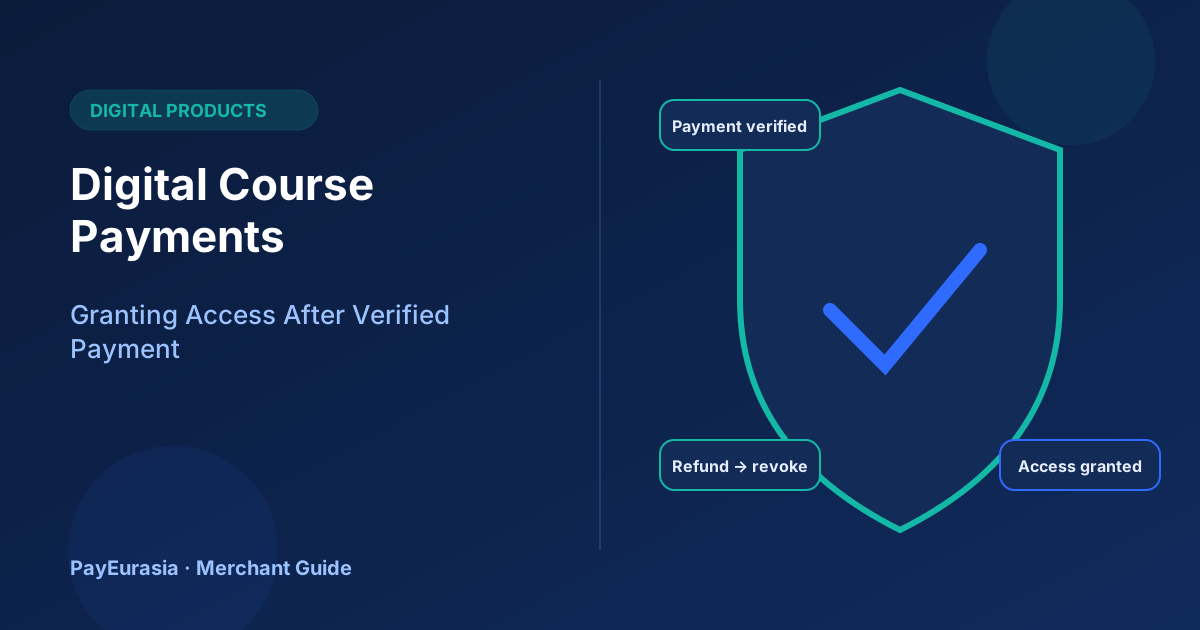
How course creators and online academies can grant course access automatically after verified payment, handle failed payments, and revoke access fairly after refunds.
The short answer
Grant course access from the payment provider's confirmation, not from the customer arriving on a "thank you" page. Link each purchase to one user account, give access automatically when payment is verified, and define what happens to access after a refund. This prevents both unpaid access and paying students waiting for a manual check.
Why the "thank you" page is not enough
Customers often pay in a wallet app and never return to your site, or they bookmark the success page and share it. If access depends on that page, some paid students get nothing and some unpaid visitors get in. Server-side confirmation from the provider fixes both.
A reliable access flow
- Student creates or signs in to an account.
- Student starts payment; your system creates an order linked to their account.
- Provider confirms payment to your server.
- Your system grants access and emails a receipt.
- If the student returns to the site, they see the course immediately.
If confirmation has not arrived after a reasonable time, show "We are confirming your payment" rather than an error.
Handling edge cases
- Paid twice: detect duplicate orders for the same course and refund one.
- Paid but no account: ask for email at checkout so you can match later.
- Gift purchases: issue a redeemable code tied to the order.
- Group or company purchases: issue seats, each tied to the original invoice.
Refunds and access
State the refund rule before purchase, for example "full refund within 7 days if less than 20% of lessons are completed". When a refund is issued, remove access automatically and tell the student. Do not delete their account or other purchases.
Protecting content without punishing students
Use account-based access, not shared links. Limit simultaneous sessions if sharing is a problem, but avoid locking out genuine students who switch devices.
Scenario
An online coding academy finds that a third of support tickets are "I paid but cannot see the course". After switching to server confirmation, those tickets drop to a handful, mostly from students who used a different email when paying.
Checking access regularly
Once a month, compare the list of students with active access against confirmed payments and refunds. Students with access but no matching payment usually point to a manual grant someone forgot to record; students with payment but no access point to an integration problem. Fixing both keeps revenue reports accurate and prevents paying students from being locked out at an important moment, such as just before an exam.
Frequently asked questions
Can I offer instalments for courses?
Yes, if your provider supports it. Decide whether access is full from the first instalment or released gradually.
Should access expire?
That is a product decision; whichever you choose, state it before purchase.
To discuss collection options for digital products, contact PayEurasia.
Talk to PayEurasia
Working in a high-risk vertical across South Asia? We can probably help.
Request integration →