
Staff Roles for Payment Operations: Least Privilege in Practice
By PayEurasia Editorial Team · 14 October 2026 · 2 min read
Last updated 14 October 2026
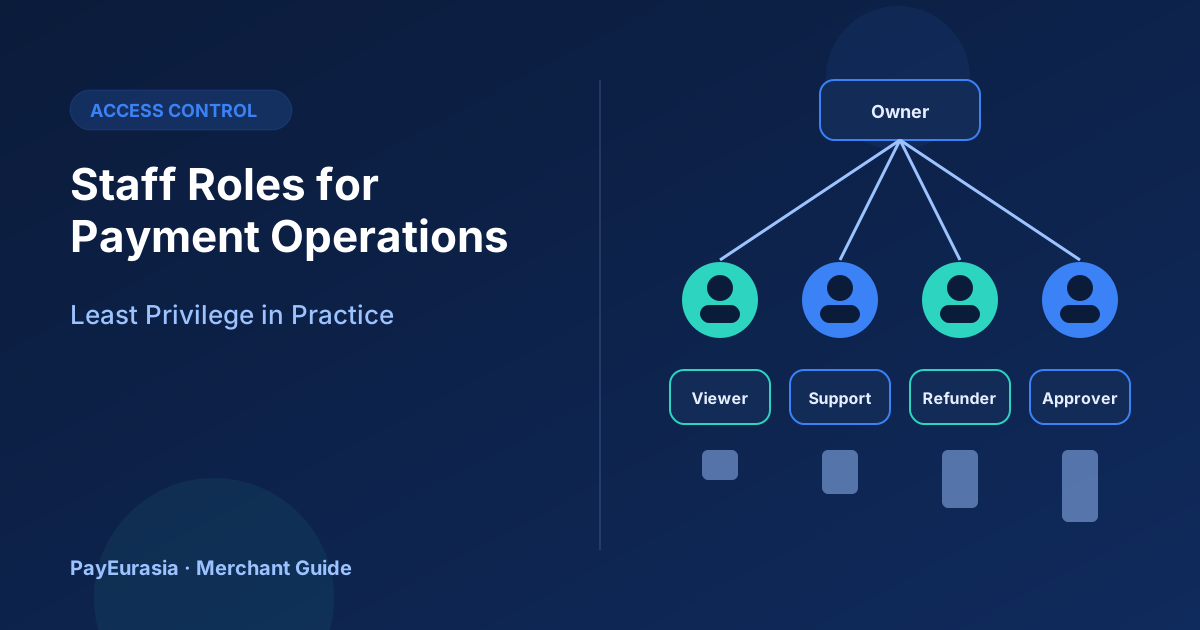
How merchants can define payment operations roles such as viewer, support, refunder and approver, apply least privilege, and review access regularly.
The short answer
Give each person only the payment access their job needs. Define a few clear roles, such as viewer, support, refunder, approver and administrator, separate the person who requests a sensitive action from the person who approves it, and review access every few months and whenever someone changes roles or leaves.
Why least privilege matters
Payment dashboards can issue refunds, change bank details, create links and download customer data. A single shared admin login means any mistake or misuse cannot be traced and anyone can do anything.
Example roles
- Viewer: can do: See transactions and reports; cannot do: Refund, change settings
- Support: can do: Look up payments, resend receipts; cannot do: Refund above a limit
- Refunder: can do: Issue refunds up to a limit; cannot do: Change payout details
- Approver: can do: Approve large refunds and changes; cannot do: Create own refunds without review
- Administrator: can do: Manage users and settings; cannot do: Day-to-day refunds
Adjust names to fit your provider's role options.
Separation of duties
For high-risk actions, use two people:
- Changing payout bank details.
- Refunds above a set amount.
- Creating new API keys.
- Adding new users with high privileges.
Personal accounts only
Every user should have their own login with two-factor authentication. Never share passwords or one admin account.
Joiners, movers and leavers
- New staff: grant the role they need, nothing more.
- Role change: remove old access and add new.
- Leaving: remove access on their last day and rotate any shared secrets they knew. See API key rotation.
Regular review
Every quarter, list all users and roles, confirm each with their manager and remove what is not needed. Check audit logs for unusual actions.
Scenario
A growing online store has six staff using one admin login. A refund of 40,000 taka appears that no one remembers issuing. After moving to individual accounts with roles and approval for large refunds, every action is traceable and such surprises stop.
Logging and alerts
Turn on audit logs if your provider offers them and decide who reviews them. Useful alerts include new user added, payout details changed, large refunds and logins from unusual locations. Even without automated alerts, a weekly look at the log helps spot problems early.
Documenting the role model
Keep a one-page document listing roles, what each can do and who approves exceptions. Share it with new staff and update it when your provider adds features.
Frequently asked questions
What if my provider has only one role?
Ask whether more are planned, and use internal approval steps in the meantime.
Is two-factor authentication really necessary?
For payment dashboards, it is a strong basic protection.
To discuss operations tooling, contact PayEurasia.
Talk to PayEurasia
Working in a high-risk vertical across South Asia? We can probably help.
Request integration →