
Restaurant Online Orders: Linking Payment to Kitchen Acceptance
By PayEurasia Editorial Team · 14 October 2026 · 2 min read
Last updated 14 October 2026
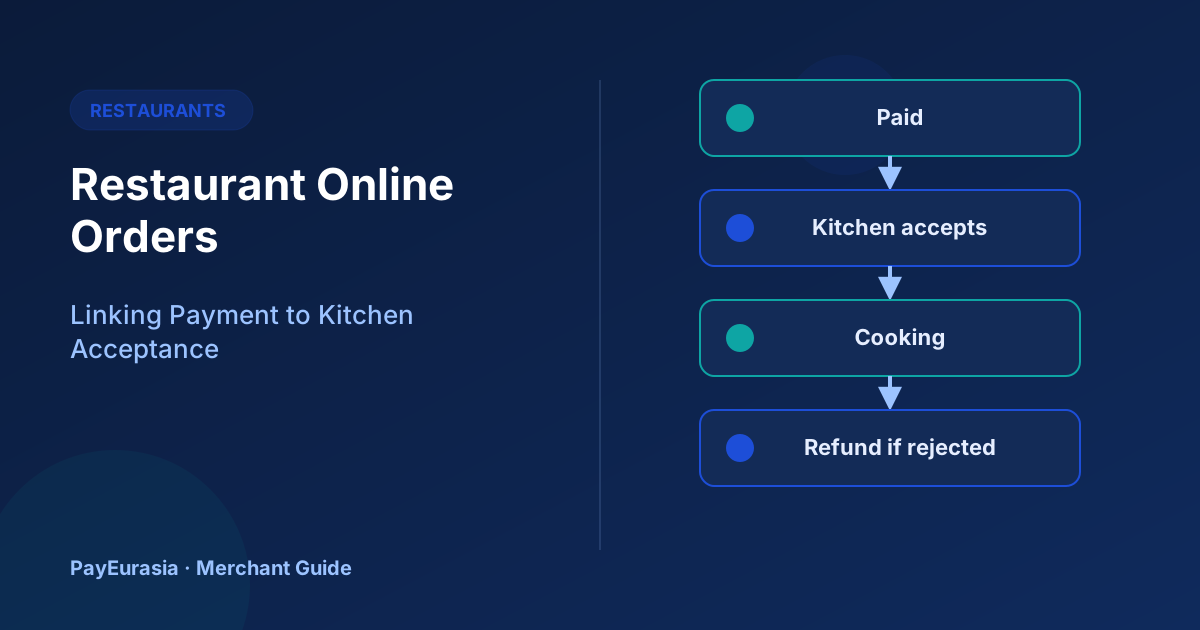
How restaurants taking online orders can connect payment status, kitchen acceptance and refunds so customers are never charged for food that will not be made.
The short answer
For online food orders, payment confirmation and kitchen acceptance should be linked. The kitchen should only see orders that are paid (or explicitly cash on delivery), and if the kitchen cannot accept an order, a refund should start automatically or within minutes. Customers should never wait for food that no one is preparing.
The two-confirmation problem
A customer pays, but the kitchen is closing, an item is sold out or the delivery area is too busy. Without a link between payment and acceptance, the customer has paid for nothing and calls angrily. A simple rule fixes most cases: payment first, then acceptance within a short time, otherwise refund.
Recommended order states
- Pending payment: not shown to the kitchen.
- Paid: shown to the kitchen with a timer.
- Accepted: kitchen confirms; customer notified with an estimated time.
- Rejected or timed out: refund started; customer notified with the reason.
- Ready / Out for delivery / Delivered.
Prevent rejections before payment
- Mark sold-out items on the menu quickly.
- Close online ordering a little before the kitchen closes.
- Pause ordering during rush periods rather than accepting orders you cannot cook.
- Check delivery area before taking payment.
Partial availability
If one item is unavailable, contact the customer before cooking and offer a substitute or a partial refund. Record the partial refund against the same order number.
Refund speed and wording
Start refunds immediately for rejected orders. Tell customers: "Your order could not be accepted because [reason]. A refund of [amount] has been started to your original payment method." Avoid promising when the money will appear unless your provider states it.
Daily close
At closing, compare paid orders against accepted, delivered and refunded orders. Every paid order should have one of those outcomes. Unresolved orders become the first task of the next shift.
Scenario
A biryani restaurant finds that late-night orders are often paid after the kitchen stops cooking. It closes online orders 30 minutes before kitchen close and adds a five-minute acceptance timer. Rejected orders and refund complaints both fall.
Menu and price accuracy
Many payment problems in food ordering start with an outdated menu: an item removed from the kitchen but still online, or a price changed in the restaurant but not on the ordering page. Assign one person to update the online menu whenever the kitchen changes, and check it at the start of each service. If a customer pays an old price, honour it for that order and fix the menu straight away rather than asking them to pay the difference.
Frequently asked questions
Should cash on delivery orders go straight to the kitchen?
Many restaurants confirm COD orders by phone first, especially for new customers or large orders.
What if a delivery fails after cooking?
That is a separate policy decision; write it down and apply it consistently.
To discuss online collection options, contact PayEurasia.
Talk to PayEurasia
Working in a high-risk vertical across South Asia? We can probably help.
Request integration →