
WooCommerce Payments in Bangladesh: Choosing and Testing a Provider
By PayEurasia Editorial Team · 14 October 2026 · 2 min read
Last updated 14 October 2026
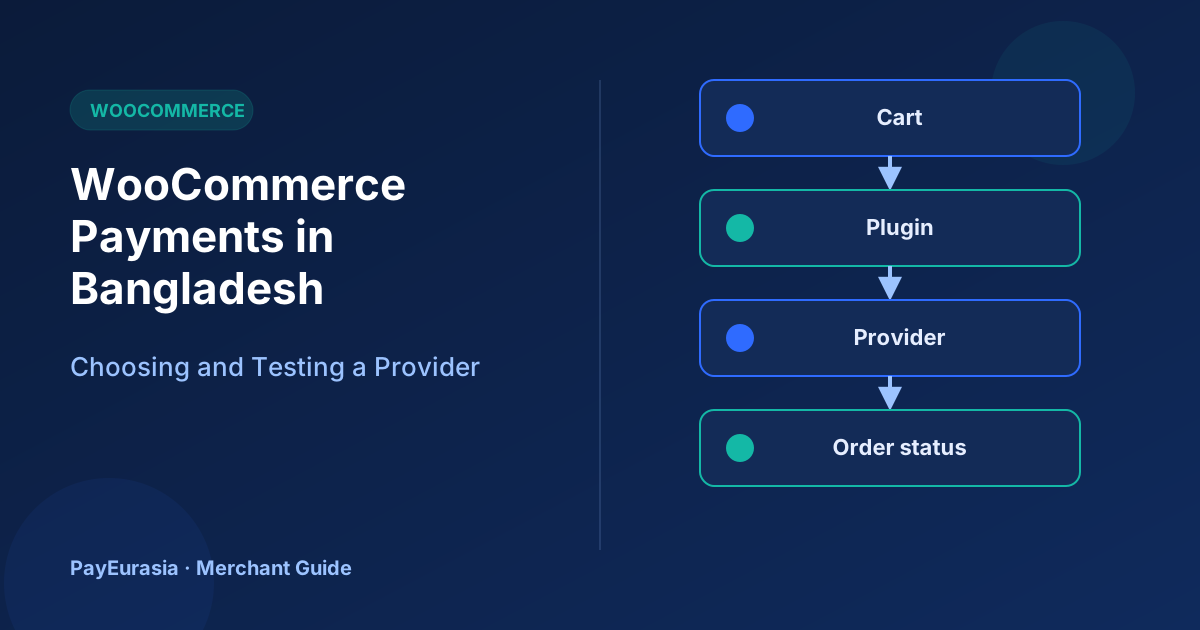
How Bangladeshi WooCommerce store owners can evaluate payment plugins, check order status handling and test refunds before accepting real payments.
The short answer
Pick a WooCommerce payment provider by checking three things in a test store: that the plugin is maintained for your WooCommerce version, that orders change status only after the provider confirms payment, and that refunds and failed payments are recorded correctly. A plugin that "installs fine" is not yet a working checkout.
This guide is evaluation advice. It does not mean PayEurasia offers a certified WooCommerce plugin; ask any provider directly what they support.
How a WooCommerce payment gateway fits in
WooCommerce lets payment providers add a gateway that appears on the checkout page. The official WooCommerce payment gateway documentation explains how gateways are enabled and configured. In practice, most gateways redirect the buyer to a hosted payment page or wallet app, then report the result back to your store, often through a callback or webhook.
Questions to ask each provider
- Is the plugin published by the provider, and when was it last updated?
- Which WooCommerce and PHP versions are supported?
- Does the store rely on the customer returning to the site, or on a server-to-server notification? (The second is more reliable.)
- Can refunds be issued from the WooCommerce order screen, or only from the provider dashboard?
- Is there a sandbox with test credentials?
Build a test store
Never test on your live shop. Copy the site to a staging address, install the plugin there and enter sandbox credentials. Create a few cheap test products with different prices.
The test plan
- Successful payment: order should move to Processing (or your chosen paid status) only after confirmation.
- Cancelled payment: order should stay Pending or move to Cancelled/Failed, and stock should behave as you expect.
- Browser closed after paying: the order should still become paid through the server notification.
- Duplicate notification: the same confirmation arriving twice must not create two paid records or two emails.
- Refund: a partial and a full refund should appear in the order notes and in the provider report.
Record the WooCommerce order number and the provider's transaction reference for every test. If you cannot link the two, reconciliation will be painful later.
Common problems found during testing
- Orders stuck in Pending because the callback URL is blocked by a security plugin or cache.
- Currency set incorrectly, so the amount sent to the provider is wrong.
- Email templates saying "payment received" for orders that are only on hold.
Before switching on live mode
Replace sandbox keys with live keys, keep them out of screenshots and shared documents, and place one small real order yourself. Then refund it and confirm the full cycle.
Frequently asked questions
Can I use more than one gateway plugin?
Yes, WooCommerce can show several gateways. Test each separately and make sure they do not conflict.
Who approves my store for live payments?
The payment provider, under its own terms and review process.
For help thinking through provider options, contact the PayEurasia team.
Talk to PayEurasia
Working in a high-risk vertical across South Asia? We can probably help.
Request integration →